Okay, this is going to sound dumb, but I spent most of Sunday trying to figure out which of the 2026 open-weight LLMs I could actually run on the box under my desk, and not on a rented H100 cluster. The answer is messier than the model leaderboards would suggest. The hype says we are awash in open weights. The reality is that running any of them well on consumer hardware is still a stack of tradeoffs, and some of the big names on the leaderboard are basically unusable on a single GPU.
I wanted to write this down before I forget, partly so future me does not have to repeat the same mistakes, and partly because I keep getting asked the same question by friends who are eyeing a 5090 or an Apple Silicon workstation.
Why I care about a single workstation at all
A lot of LLM content treats “self-hosting” as code for “rent a bunch of H100s and run vLLM.” That is fine if you are a startup with a real inference bill. It is a bad starting point for almost everyone else. Most of the developers I talk to want to run a capable open-weight model on something they already own. A gaming tower with a 4090 or 5090. A Mac Studio. An older server with two 3090s. The point is not the last drop of throughput. The point is getting a decent model loaded at a reasonable token rate without paying someone else’s margin per request.
This is where llama.cpp has quietly become the most important piece of software in open-weight AI. It turns the set of models you can actually run on a single machine from “whatever Meta released two years ago” into “a surprisingly large fraction of the current frontier.” The quantization story is a big part of that. A 72B model at Q4 or Q5 quant is a very different thing on a 24 GB card than the raw bf16 weights, and most of the quality loss is recoverable with good calibration.
I walked through the broader tradeoff picture between open-weight families in my earlier post on where the actual tradeoffs live. This post is the much more annoying follow-up: given all those tradeoffs, what actually loads and runs.
The models worth considering in 2026
A recent automated survey of the current frontier of generative AI lists the families worth knowing about: DeepSeek V3, R1, V3.2 and the forthcoming V4; Qwen 3 and the Qwen 3.5 series; GLM-5; Kimi K2.5; MiniMax M2.5; LLaMA 4; Mistral Large 3; Gemma 3; and Phi-4. That is a lot of options. It is also a list with wildly different hardware profiles hiding inside it. For workstation use, I break them into three groups.
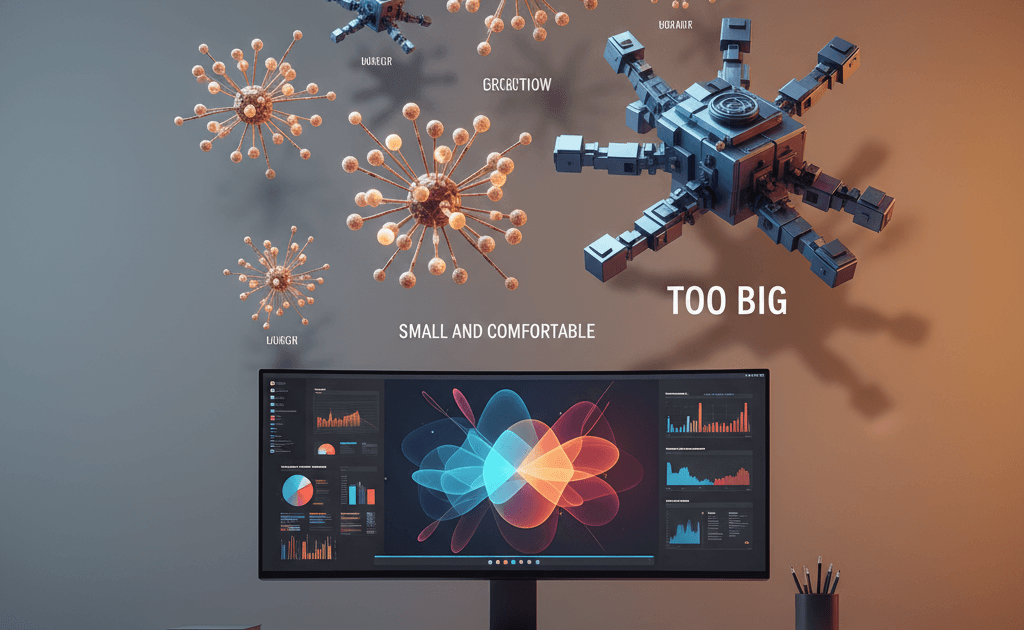
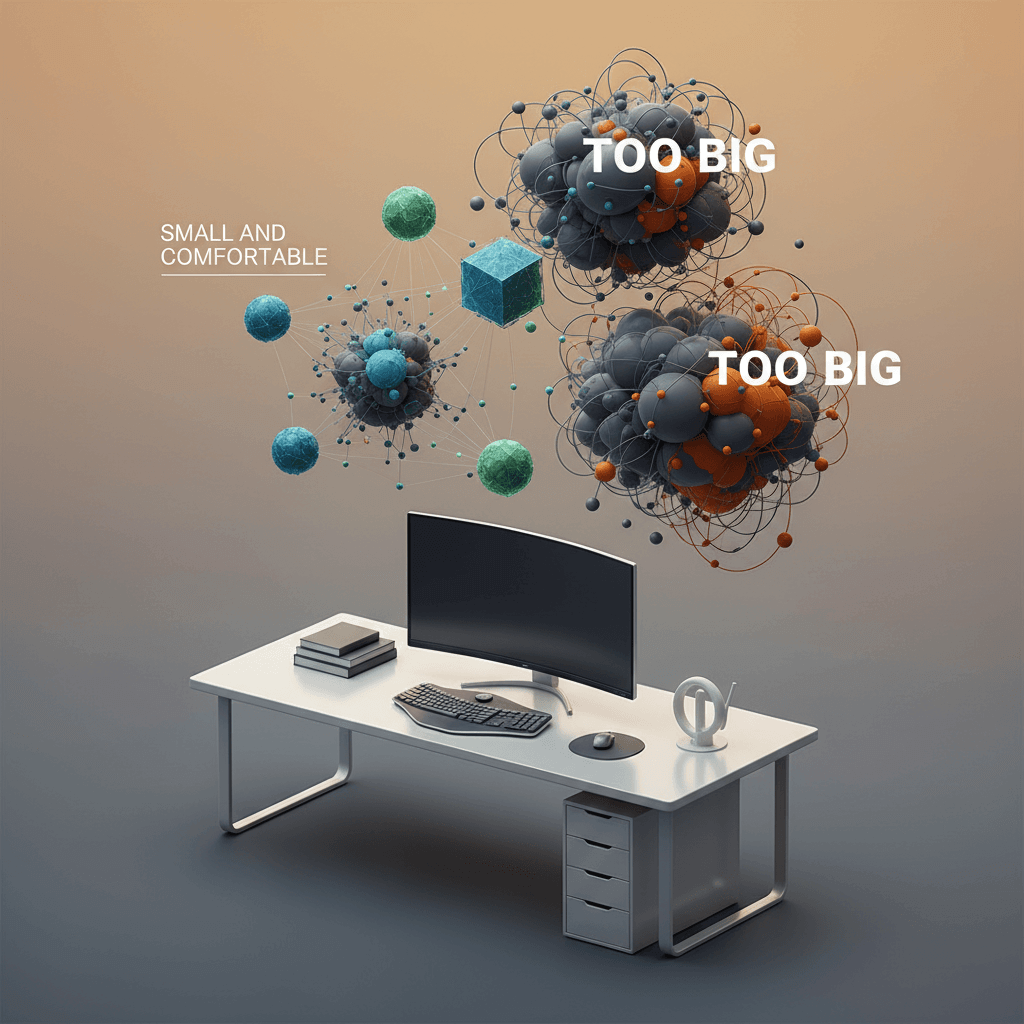
The first group is “comfortable on a single 24 GB card.” Think Qwen 3 at 14B, Gemma 3 at 9B and 27B, Phi-4 at 14B, Mistral-class 7B to 12B models. These load with room to spare at Q4 or Q5, support reasonable context lengths, and give you enough tokens per second to actually feel interactive. You will not be dazzled on hard reasoning tasks, but for most assistant and coding workflows they are honestly enough.
The second group is “tight fit on 24 GB with smart quantization, happy on 48 GB.” This is the 30B to 40B range, which right now includes the Qwen 3 32B dense model, some Mistral Large 3 variants, and certain Gemma 3 tunes. On a single 24 GB card you are playing the quant game and watching context length shrink. On a dual 24 GB or a single 48 GB setup, these are the sweet spot for a workstation: smart enough to actually reason, small enough to load without drama.
The third group is “you are lying to yourself.” This is where DeepSeek V3, DeepSeek V3.2, Kimi K2.5, MiniMax M2.5, and the full-size LLaMA 4 live. These are huge mixture-of-experts models. Yes, technically you can quantize them and stream weights from NVMe. No, it will not be interactive. Yes, the benchmark scores look great. No, you will not actually want to use them on a single workstation. If you need this tier, rent an inference provider and move on.
What I actually run day to day
My honest current setup is boring. On my main workstation, I run Qwen 3 32B at Q4 via llama.cpp for general reasoning, Gemma 3 27B for more creative or writing-heavy tasks because I find its outputs less robotic, and Phi-4 as a fast fallback when I want low latency over raw capability. For coding I lean on Qwen 3 Coder variants when they load cleanly, and on a hosted frontier model when I need the last 10% of quality. I am not pretending any of these match Claude Opus 4.6 or GPT-5.4. They do not. What they do is remove my dependence on an API bill for the 80% of tasks where the difference does not matter.
The second thing I have learned is that context length is as important as model size. A 14B model at 32K context often beats a 32B model at 8K context for my real workflows, because my real workflows involve feeding the model a lot of source material. llama.cpp has been steadily improving its support for longer contexts with RoPE scaling and other tricks, and the GGUF ecosystem has caught up fast. If you have not checked llama.cpp’s release notes in the last three months, you are probably missing features.
Where this goes wrong
I want to push back on one pattern I keep seeing in the self-hosting community. People pick a model based on MMLU or Chatbot Arena scores, load it on their workstation, and then get quietly disappointed that real usage does not feel like the benchmark. That is not a bug in the model. It is a gap between the benchmark and the task. Benchmarks measure something specific. You want something else. If you are a solo developer doing terminal-heavy work, you care about latency on short prompts, about tool-use reliability, and about the model not gaslighting you when you ask it to edit a specific file. None of those are captured by Chatbot Arena. Some are not captured by any public benchmark.
The other place this goes wrong is quantization denial. People hear “Q4 loses quality” and refuse to try it. The truth is more nuanced. Q4 noticeably hurts some models at some tasks. It is close to free on others, especially for models that were trained with quantization-aware techniques. The honest way to find out is to run your own short eval on both quant levels for the specific task you care about. I have seen teams waste weeks of GPU time avoiding a quant that would have saved them a week of inference lag.
What to do this week if you are workstation-curious
If you are considering a workstation setup, here is the smallest useful experiment I would run. Pick one model from the first group (Qwen 3 14B or Gemma 3 9B are good choices). Download a Q4_K_M or Q5_K_M GGUF from a reputable quantizer on Hugging Face. Build or install llama.cpp with the right backend for your hardware (Metal on a Mac, CUDA on Nvidia, Vulkan on everything else). Load the model, run a handful of your own real prompts, and just pay attention to how it feels. Not the benchmark score. Not the README claims. How it feels on your work.
If it feels usable, you have your starting point. Scale up from there only when you have a specific reason to. I help teams figure out this kind of practical “what can you actually run” question on the consulting side, and the honest answer is almost always “start smaller than you think and only scale up when a real task demands it.” There is more on that kind of work on the rest of my site.
The good news is that 2026 really is a better year for workstation self-hosting than any year before it. The bad news is that the leaderboard still does not tell you what actually runs on your machine. The only fix for that is to stop reading leaderboards for an afternoon, load one model, and find out.